Save Your Behance Videos
Download the video from any of your Behance projects as an MP4, named after the project.
- Open a Behance project that has a video.
- Click the heart in your browser's toolbar.
- Press Download Video.
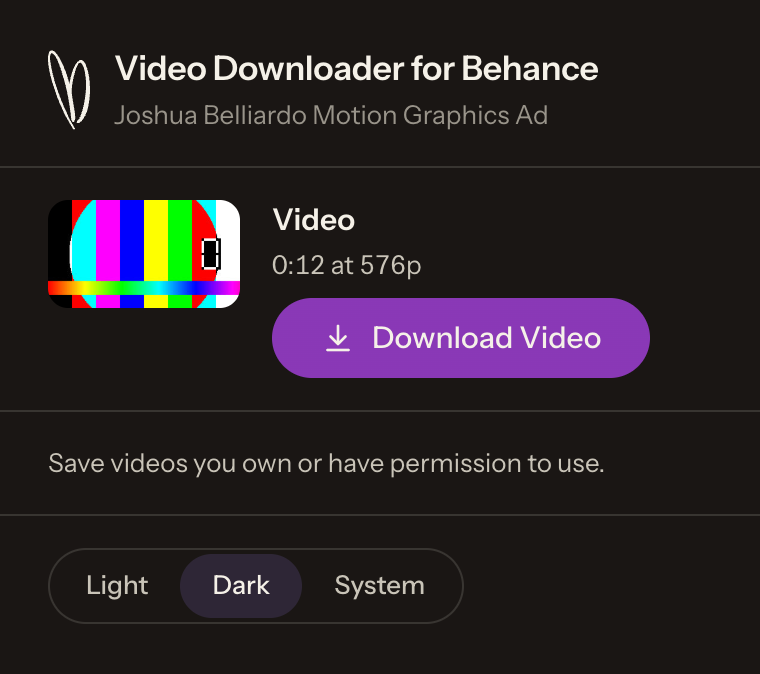
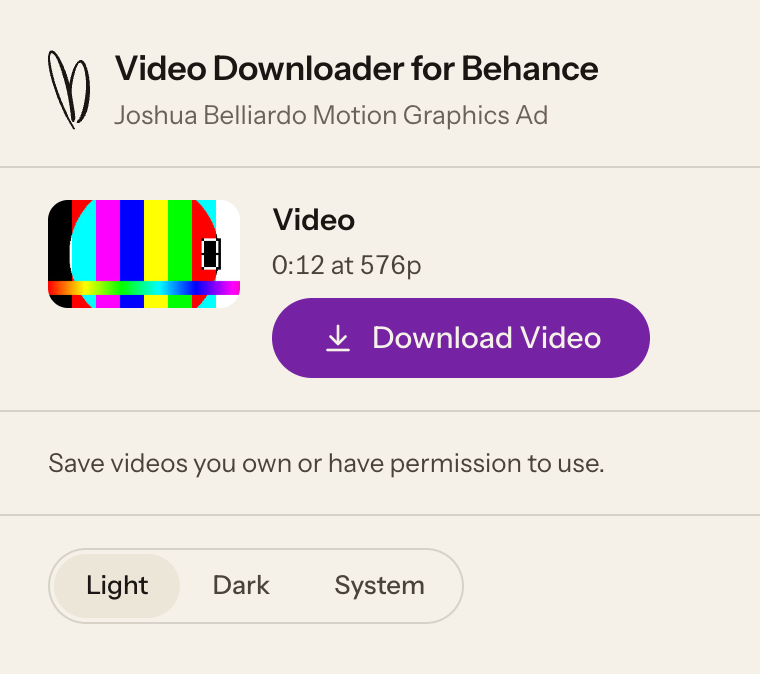
 A preview of the extension. After you install it, it opens when you click this icon in your toolbar.
Install in Your Browser
Choose your browser, agree to the intended use, and follow the steps beside it.
Made for Your Own Work
This extension is for creators who want a copy of their own Behance videos, and for anyone with permission to keep a creator's video. Each project belongs to its creator.
It saves videos that Behance hosts. When you first open it, it asks you to agree to this use.